You probably have dozens of .txt files sitting quietly on your computer right now. Notes from a meeting. A raw data export. A script transcript. An old system log. They look plain, almost boring. But what if we told you that AI can read those files and find things inside them that would take you hours or days to spot manually?
Upload a plain text file, ask a question in simple English, and watch the AI surface insights that were always there just buried under thousands of lines of raw text.
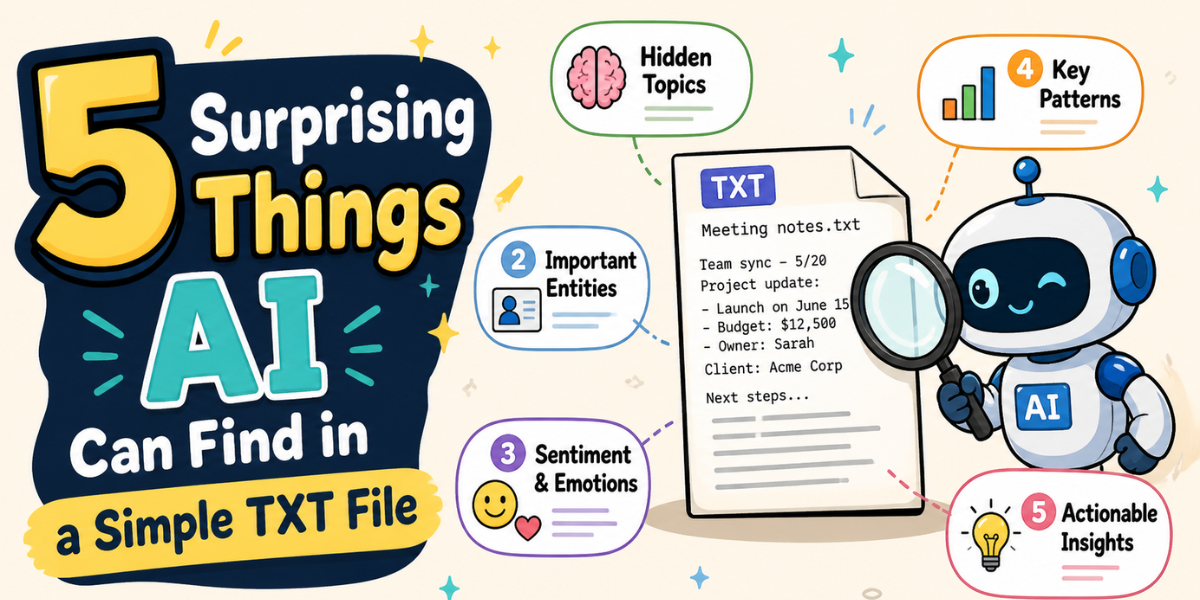
Let's walk through 5 genuinely surprising things AI can find inside a simple TXT file.
- Hidden Themes and Topics You Never Noticed:
Here's the thing about plain text our brains are wired to read linearly. We start from the top, scroll through, and by page 3 we've forgotten what was on page 1. AI doesn't have that problem.
When you upload a TXT file to an AI tool, it can scan the entire document at once and identify recurring themes and patterns across the whole thing. For example, imagine you have a 200-page raw interview transcript. You might read through it looking for mentions of "budget concerns" but AI can identify that there's also a strong, recurring theme around "team communication problems" that you completely missed because it was spread across different sections.
This is called semantic analysis, and it's one of the most powerful things AI brings to plain text. You stop looking for what you expect to find, and start discovering what's actually there.
- Sentiment Shifts and Emotional Tone Line by Line:
Think a TXT file is emotionally neutral? Not to AI. Whether it's a customer complaint log, a raw chat transcript, or a series of employee updates saved as plain text, AI can read between the lines and tell you where the tone shifts from calm to frustrated, from enthusiastic to disengaged, from confident to uncertain.
This is more powerful than it sounds. Imagine you're reviewing a six-month log of support tickets saved as a plain TXT export. Instead of reading every single one, you ask DBTalker: "Where does the customer sentiment drop the most in this file?" The AI can pinpoint exactly which time period or topic cluster triggered the most negative language.
That's not something CTRL+F can do. That's genuine emotional intelligence applied to boring text.
- Key Entities — Names, Dates, IDs, and Obligations:
One of the most practical things AI can do with a TXT file is extract specific entities: people's names, dates, monetary figures, contract obligations, product names, case IDs all automatically.
Instead of manually ctrl+F-ing for every person mentioned in a 50-page legal deposition saved as plain text, you just ask: "List all the people mentioned in this document and what actions are attributed to them." Boom you get a clean, organized answer in seconds.
This is huge for legal teams, compliance officers, healthcare administrators, and operations managers who deal with raw text exports from older systems that don't support fancy formats.
- Anomalies, Errors, and Outliers in Data Logs:
System logs and raw data exports are often saved as TXT files. And they are painful to read. They're full of repetitive entries, and finding the one error that caused a problem is like finding a needle in a haystack if the haystack was 80,000 lines long.
AI changes this completely. Upload your log file and ask something like: "Are there any unusual patterns or error codes that appear only a few times but could indicate a problem?" The AI doesn't just search for keywords it understands context, so it can flag entries that look out of place even if they don't contain the word "error."
This is a game-changer for developers, IT teams, and operations staff who are used to spending hours manually combing through server logs.
- Instant, Contextual Summaries of Massive Text Dumps:
This one sound simple but it's quietly the most powerful thing on this list. You have a 10,000-word raw notes file from a project that ran for six months. You need to catch up on what happened before a client call in 20 minutes. Reading the whole thing is impossible. A search doesn't give you context. But AI can read the whole file and give you a smart, structured summary covering the main decisions made, problems encountered, and outcomes achieved.
Better yet, you can make it conversational. You're not just getting a one-time summary you can ask follow-up questions. "What was the final decision on the pricing model?" or "Were there any unresolved issues mentioned?" The AI keeps the context in mind and answers naturally.
This is exactly what AI TXT Chat is built for turning static, unreadable plain text into a live conversation partner.
Why Plain Text Files Are More Valuable Than You Think?
We tend to underestimate TXT files. They feel primitive. No formatting, no colors, no columns. But that raw simplicity is exactly what makes them so universal they're generated by everything from medical systems to server software to interview recorders. The data is all there. You just couldn't access it efficiently.
Until now.
AI models trained on language don't care about formatting. To them, a TXT file is a rich landscape of meaning, relationships, patterns, and signals. The "plain" is an illusion. The intelligence was always hiding there.
Try It Free DBTalker AI TXT Chat:
You don't need to install anything. You don't need to be a developer. You just upload your TXT file, type a question, and get an answer in under 30 seconds.
Whether you're a researcher drowning in transcripts, a legal professional reviewing deposition, or an ops manager trying to make sense of raw logs it is built exactly for you.
Stop scrolling. Start asking. Try Free!