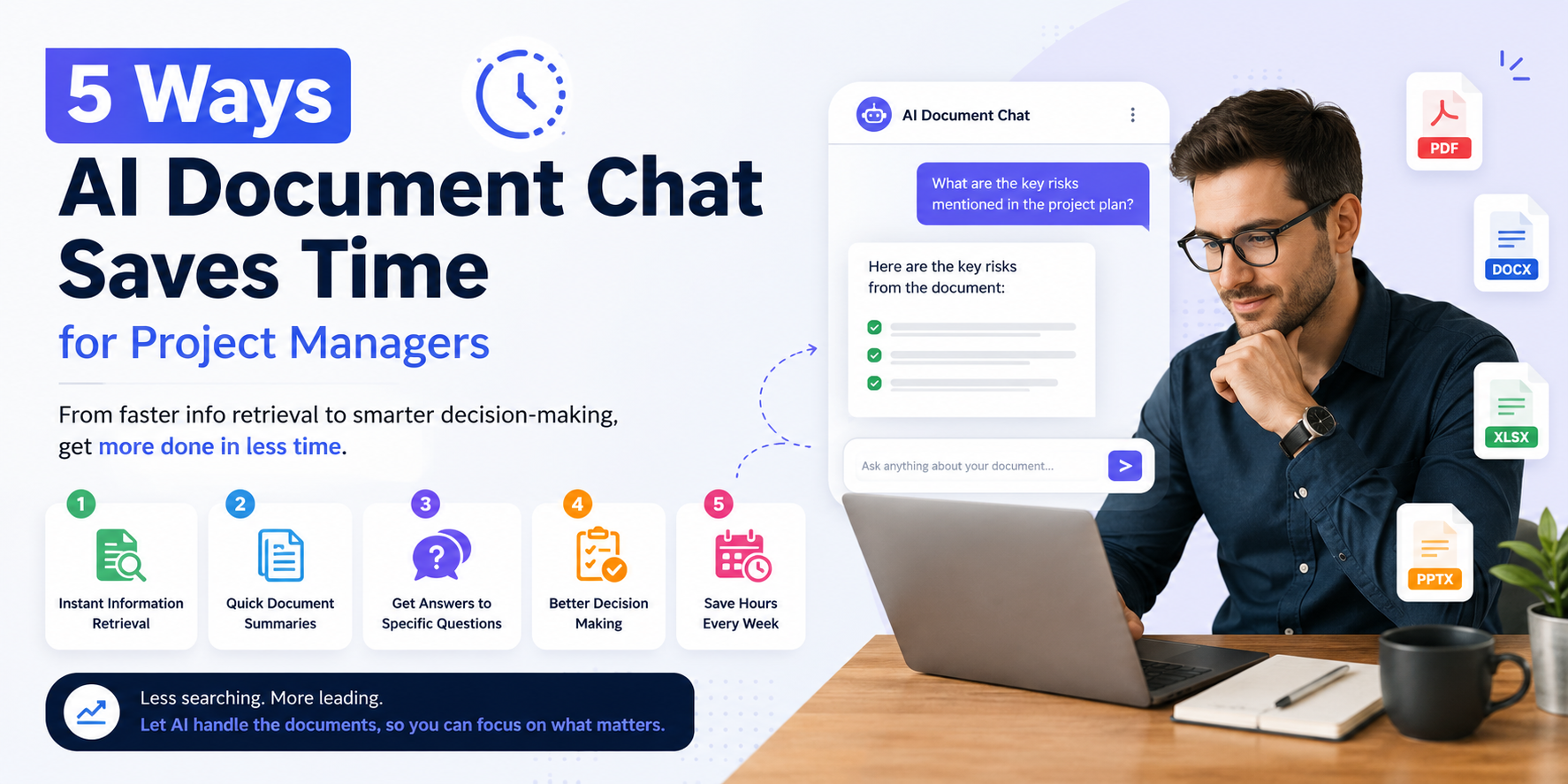
Let's be honest as a project manager, your day doesn't start with strategy. It starts with digging. Digging through a 40-page requirements doc to find one clause. Digging through last week's meeting notes to remember who owns what. Digging through a client contract to check a deadline someone swears was "definitely mentioned somewhere in there." You didn't sign up to be a full-time document archaeologist, but somehow, that's half the job.
This is exactly the gap AI document chat was built to close. Instead of scrolling, searching, and skimming, you simply ask your documents a question in plain English and get an answer in seconds. No more losing an hour of your afternoon to a PDF that refuses to cooperate.
If you're managing projects, timelines, budgets, and a dozen stakeholders at once, here are five real, practical ways AI-powered document chat can hand you back the one resource you can never get more of time.
- Instant Answers Instead of Endless Searching:
Every PM has lived this moment: a client emails asking "what was our agreed turnaround time for revisions?" and suddenly you're Ctrl+F-ing through a contract, a scope doc, and three email threads, hoping one of them has the answer.
AI document chat flips this entirely. Upload your contract, SOW, or project brief, and just ask: "What's our revision turnaround time?" or "What are the payment milestones?" You get a direct, accurate answer pulled straight from the source not a summary you have to double-check, not a guess.
This is where the real time savings for project managers show up first. What used to be a 15-minute hunt becomes a 15-second question. Multiply that across every contract, brief, and requirement doc you touch in a week, and you've reclaimed hours you didn't even realize you were losing.
- Faster Onboarding for New Team Members and Stakeholders:
Bringing a new team member onto a project mid-stream is always painful. They need context fast and that context is usually buried across dozens of files: kickoff decks, meeting notes, change logs, requirement updates. Walking them through it manually eats into your day, and re-explaining the same background five times to five different people is nobody's idea of productive.
With AI document chat, new hires or stakeholders can simply ask the project documentation directly: "What's the current project scope?" or "What changed in the last requirements update?" They get grounded, accurate answers without waiting on your calendar availability.
This isn't just convenient it's a genuine onboarding accelerator. Teams get up to speed in hours, not days, and you stop being the single point of failure for institutional knowledge. Your documents become a self-service knowledge base, available 24/7.
- Smarter Meeting Prep and Follow-Up:
Meeting prep is one of those tasks that quietly devours a PM's calendar. You're re-reading old notes, hunting for open action items, trying to remember what was decided three meetings ago so you don't walk in unprepared.
AI document chat turns meeting notes and transcripts into a searchable, queryable resource. Ask "What action items are still open from last week's sync?" or "What did the client push back on during our last call?" and get a clean summary instantly no re-reading required.
The follow-up side benefits just as much. Drafting recap emails, updating status reports, or briefing stakeholders who missed a call becomes dramatically faster when you can pull exact details on demand instead of relying on memory or scattered notes.
This is where AI meeting summarization and document chat work together to save PMs real, measurable hours every single week hours that go straight back into actual project work instead of admin overhead.
- Reduced Risk of Missed Details and Costly Errors:
Here's the uncomfortable truth: most project delays and budget overruns don't come from big dramatic failures. They come from small missed details a clause nobody caught, a deadline buried on page 12, a scope exclusion that got glossed over during a rushed review.
Manual document review is exhausting, and exhaustion breeds mistakes. AI document chat acts like a second set of eyes that never gets tired. Ask it to flag deadlines, obligations, dependencies, or risk clauses across a document, and it surfaces them instantly and consistently every single time, regardless of how long or dense the file is.
This isn't about replacing your judgment. It's about giving you a faster, more reliable first pass so your expertise goes toward decisions, not detective work. For PMs juggling multiple projects, this kind of AI risk detection and document accuracy check can be the difference between catching a problem early and explaining a missed deadline later.
- Streamlined Status Reporting and Stakeholder Updates
Status reports are necessary, but writing them from scratch every week is a time sink most PMs quietly resent. You're pulling data from multiple sources task trackers, meeting notes, budget sheets and stitching it into something coherent for stakeholders who just want the highlights.
AI document chat can pull directly from your project documents to draft the groundwork for these updates. Ask "Summarize progress against milestones this month" or "What are the top three risks based on current documentation?" and get a strong first draft you can refine, rather than staring at a blank page.
This doesn't just save time it improves consistency. Stakeholders get clearer, more reliable updates because the information comes straight from source documents instead of being reconstructed from memory under deadline pressure.
The Bottom Line:
Project management has never been short on complexity it’s always been short on time. AI document chat doesn't replace the strategic thinking, the relationship management, or the judgment calls that make a great PM. What it does is strip away the hours lost to searching, re-reading, and manually reconstructing information that already exists somewhere in your files. Less digging. More deciding. That's the real value here.