If you work with documents for a living research papers, contracts, reports, manuals, whatever the flavor you already know the real time sink isn't reading. It's searching. Flipping back and forth, scrolling, re-reading the same paragraph three times trying to figure out if it actually answers your question. Multiply that by every document you touch in a week, and it adds up to hours you'll never get back.
AI-powered PDF chat is changing that math. Instead of reading documents cover to cover or scanning for keywords and hoping for the best, you can now just ask your PDF what you need to know and get a straight answer in seconds. Let's look at how this actually plays out in real research and work, and why it's quietly becoming one of the most useful productivity tools around.
The Real Problem with Document-Heavy Work
Before we get into the "how," it's worth naming the problem clearly. Document research eats time in a few specific ways:
- Volume overload. A single research project might involve dozens of PDFs — papers, reports, appendices. Reading all of them start to finish just isn't realistic.
- Buried information. The one sentence you need is often on page 47 of an 80-page report, with no way to know that without reading most of it.
- Repetitive re-reading. You go back to the same document again and again because you can't remember exactly where a detail was, or you need to double-check something.
- Context switching. Jumping between multiple PDFs to compare figures, terms, or findings is mentally exhausting and error-prone.
None of this is really about intelligence or effort — it's about the tools. Traditional PDF readers were built to display documents, not to help you understand them.
How AI-Powered PDF Chat Solves This
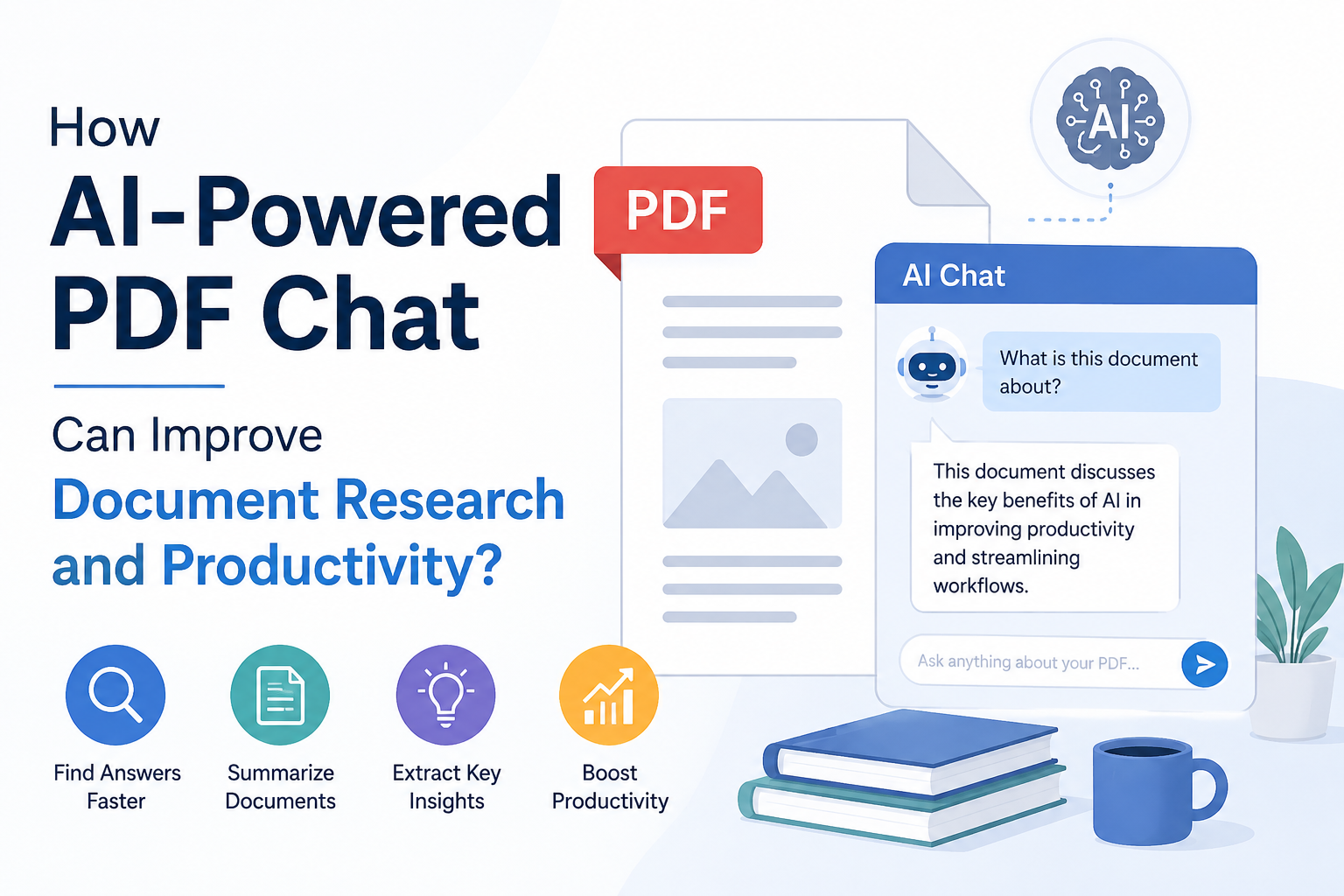
AI-powered PDF chat tools — like the one built into DBTalker work differently. You upload a document, and instead of scrolling through it, you talk to it. Ask a question, get an answer, ask a follow-up, get another answer. It feels less like using software and more like having a research assistant who's already read the whole thing and is ready to brief you.
Here's what that actually looks like in practice:
- Instant Answers Instead of Manual Searching
Rather than scanning for keywords, you ask directly: "What's the termination clause in this contract?" or "What methodology did this study use?" The AI reads the full document, understands the context, and gives you a clear, direct answer — often with the exact section it came from.
- Summaries on Demand
Got a 60-page report and only ten minutes? Ask for a summary. AI-powered PDF chat can condense long documents into the key points, so you know whether it's worth a deeper read before you invest the time.
- Cross-Document Understanding
Good AI PDF tools don't just find isolated facts they connect information scattered across different sections or pages, saving you from manually piecing together the full picture yourself.
- Follow-Up, Conversational Research
This is the part that really changes the workflow. You're not stuck with a one-shot search. You can ask a question, get an answer, then ask "can you explain that in simpler terms?" or "does this contradict anything earlier in the document?" just like working with a real research partner.
- Faster Decision-Making
When you can get answers in seconds instead of hours, you make decisions faster too. Reviewing a vendor contract, checking compliance details, or verifying a data point in a report all of it moves quicker when you're not the one doing the heavy lifting of reading and cross-referencing.
Where This Makes the Biggest Difference
AI-powered PDF chat isn't just a nice-to-have it's a genuine productivity multiplier for specific kinds of work:
- Students and researchers — quickly pulling key findings, methodology details, or citations from academic papers without reading each one end to end.
- Legal and compliance teams — locating specific clauses, obligations, or risk language in contracts without manually combing through every page.
- Business analysts — extracting figures, trends, and comparisons from financial or market reports in a fraction of the usual time.
- HR and operations teams — quickly answering employee or policy questions by chatting directly with handbooks and internal documents.
- Anyone drowning in PDFs — honestly, if you regularly open a PDF and think "I really don't want to read all of this," this is built for you.
Productivity Gains That Actually Add Up
The time savings here aren't marginal. Cutting a 20-minute manual search down to a 30-second question, repeated across dozens of documents a week, easily saves hours — hours that go back into actual analysis, decision-making, or simply getting through your workload without burning out. It also reduces errors, since you're less likely to miss a buried detail when you can ask the document directly instead of relying on your own skimming.
There's also a mental-load benefit that's easy to underestimate. Not having to hold "where did I read that?" in your head while working through a stack of documents frees up focus for the actual thinking part of your job — the analysis, the strategy, the decisions that matter.
Try It with DB Talker
This is exactly the experience DB Talker's AI Chat with PDF is designed around. Upload any PDF — a contract, a research paper, a report, a manual — and start asking questions immediately. No scrolling, no guessing, no re-reading the same paragraph five times. Just clear, direct answers pulled straight from your document, with the ability to keep asking follow-up questions until you actually understand what you need to know.
If document research is eating into your week, it might be time to stop reading PDFs the old way. Head over to dbtalker.com/ai-chat-with-pdf, upload a document, and see how much time you get back.