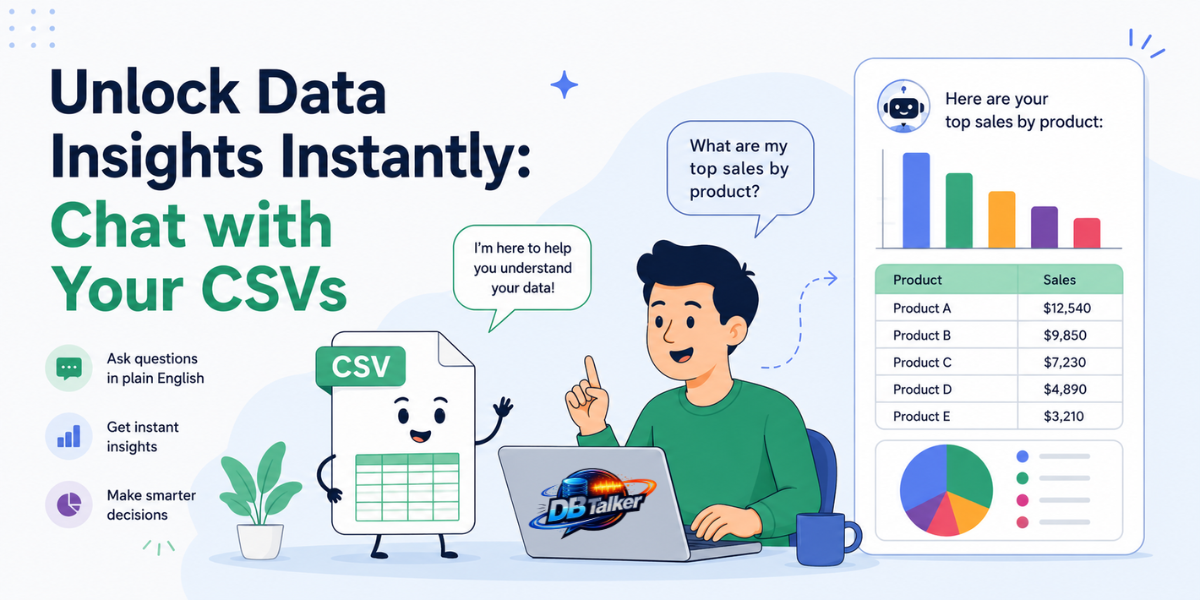
You have a spreadsheet. It's full of data. And somewhere inside those hundreds maybe thousands of rows is the answer you need right now.
But finding it? That means writing a VLOOKUP, building a pivot table, or waiting for someone from the data team to pull the numbers for you.
That's exactly what AI CSV Chat makes possible DBTalker make it easy for everyday professionals to unlock real data insights without touching a single formula.
What Is "Chat with CSV" and Why Is Everyone Talking About It?
The concept is simple. You upload a CSV file could be a sales report, a marketing analytics export, a financial ledger, whatever and then you have a conversation with it like you would with a colleague.
You type: "What was the total revenue in Q3?" The AI reads your data, runs the analysis, and responds with the answer.
No pivot tables. No Excel gymnastics. No waiting.
This is what people in the AI world call natural language data querying and it's one of the hottest trends in business intelligence right now. With the rise of large language models and tools built on top of them, the barrier between "I have data" and "I understand my data" has completely collapsed.
DBTalker feature lets you drag in any spreadsheet and start asking questions immediately whether you're a marketer reviewing campaign performance, a finance manager scanning a ledger, or a business owner trying to understand monthly trends.
How It Actually Works?
Here's what happens behind the scenes when you upload your CSV to an AI chat tool:
The AI reads your column headers and understands the structure of your data what each column represents, how rows relate to each other, and what kinds of questions make sense. When you ask something like "Show me the top 5 regions by sales volume," it doesn't just search for keywords. It actually reasons over the data the same way a data analyst would.
DBTalker uses RAG (Retrieval-Augmented Generation) technology, which means even if your spreadsheet has thousands of rows, the AI efficiently finds and retrieves only the relevant chunks it needs to answer your question accurately. This makes the tool fast, precise, and genuinely useful not just a novelty.
And here's the best part: you don't need to know any of that to use it.
Who Actually Benefits from AI CSV Chat?
This isn't just for data scientists. In fact, the people who benefit the most are often the ones who've never written a line of code in their life. Marketers who export campaign data from Google Ads or Meta can finally analyze it themselves without requesting a report from the data team every time they have a question.
Small business owners who live in spreadsheets but don't have analysts on staff can finally get the insights they need to make smarter decisions fast.
The common thread? Everyone has data. Not everyone has the tools or the time to make sense of it. AI CSV chat bridges that gap instantly.
Why This Trend Is Only Getting Bigger?
The fastest-growing categories in enterprise software. Major players like Microsoft and Googlestarted rolling out AI features for spreadsheets. But those are locked inside expensive enterprise subscriptions or full productivity suites. DBTalker bring the same capability sometimes with more flexibility at a fraction of the cost, and without requiring you to already be living inside Microsoft or Google's ecosystem.
The Bottom Line:
Spreadsheets aren't going away. But the way we interact with them is changing fast.
If you're still manually filtering rows, writing nested IF statements, or waiting on someone else to pull insights from your data, you're spending time you don't have to spend.
AI CSV Chat is not a trick. It's a genuinely useful shift in how non-technical people can interact with their own data — on their terms, in their language, instantly.
Try DBTalker Build AI Chatbot for free →
Upload your first file and get your first insight in under 30 seconds. No credit card. No formulas. No waiting.